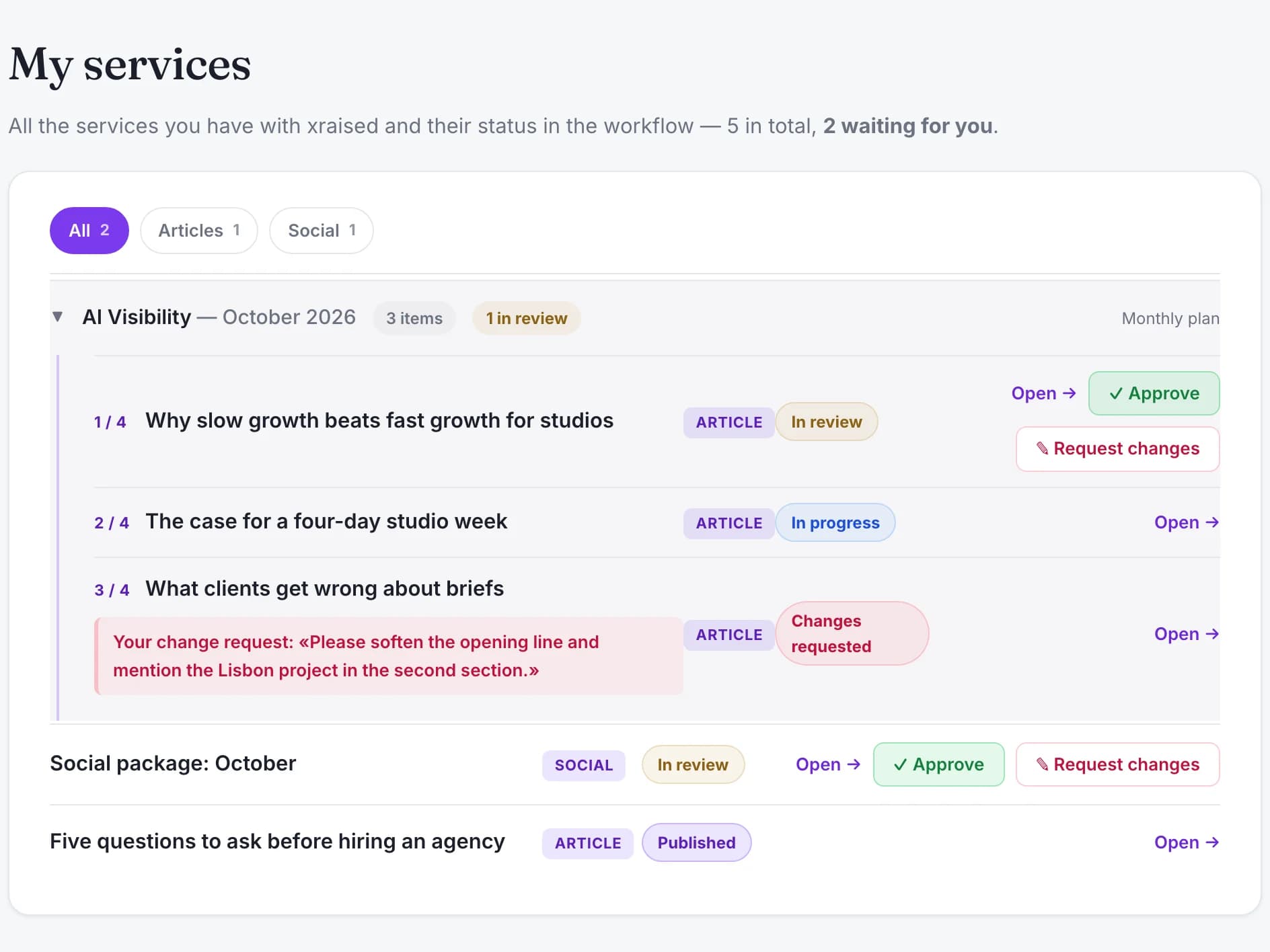
01
Every client sees where their work stands
Each piece of work moves through named stages. The client follows it from their own page, without writing an email to ask.
System
Clients kept asking by email where their work stood, what needed approving and where the files were; the answers lived in the team's inboxes.
Private system, demo on request
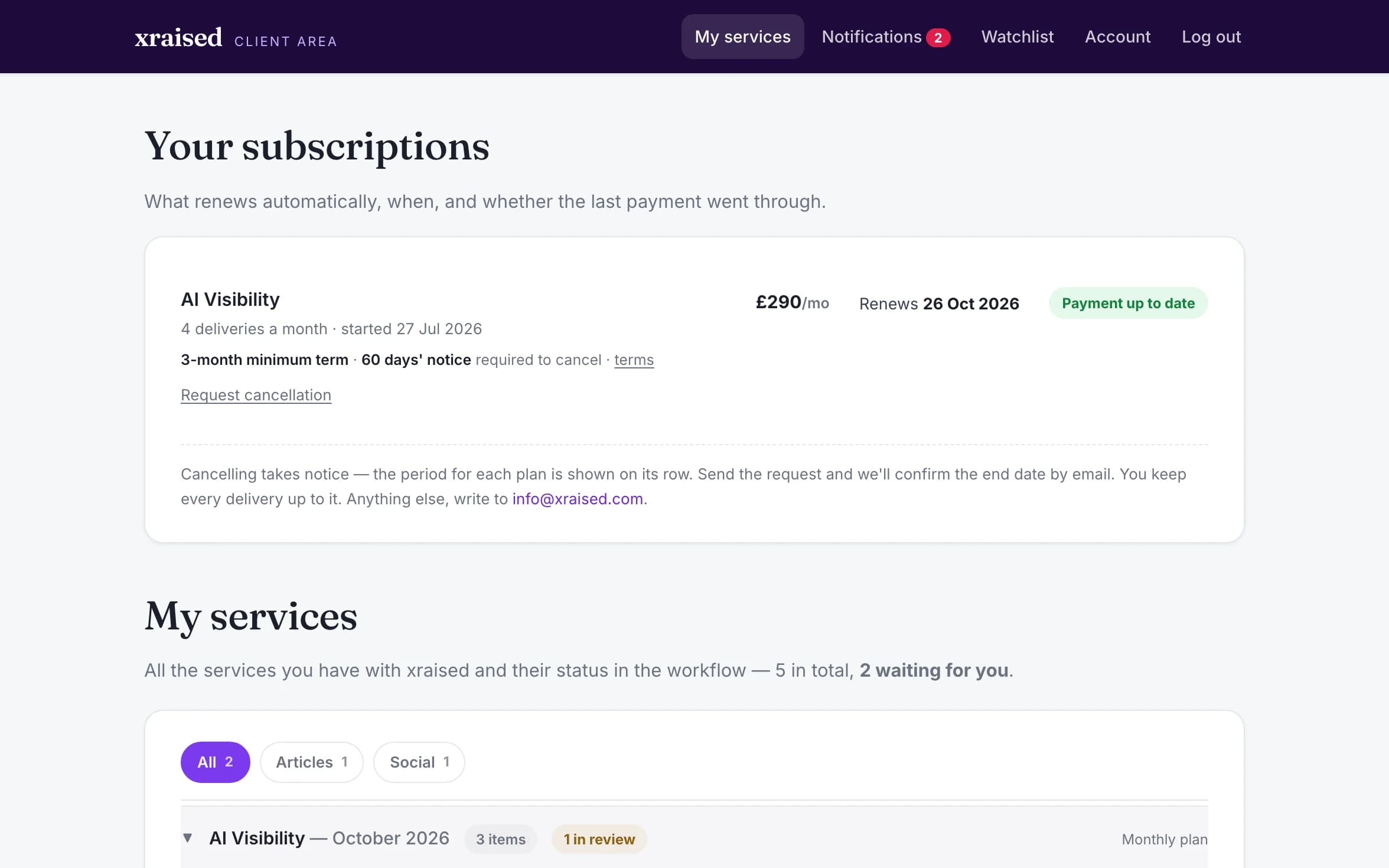
Screens from a local copy with fictional demo data: the client, the company, the outlets and the titles are invented.
What's inside
01
Each piece of work moves through named stages. The client follows it from their own page, without writing an email to ask.
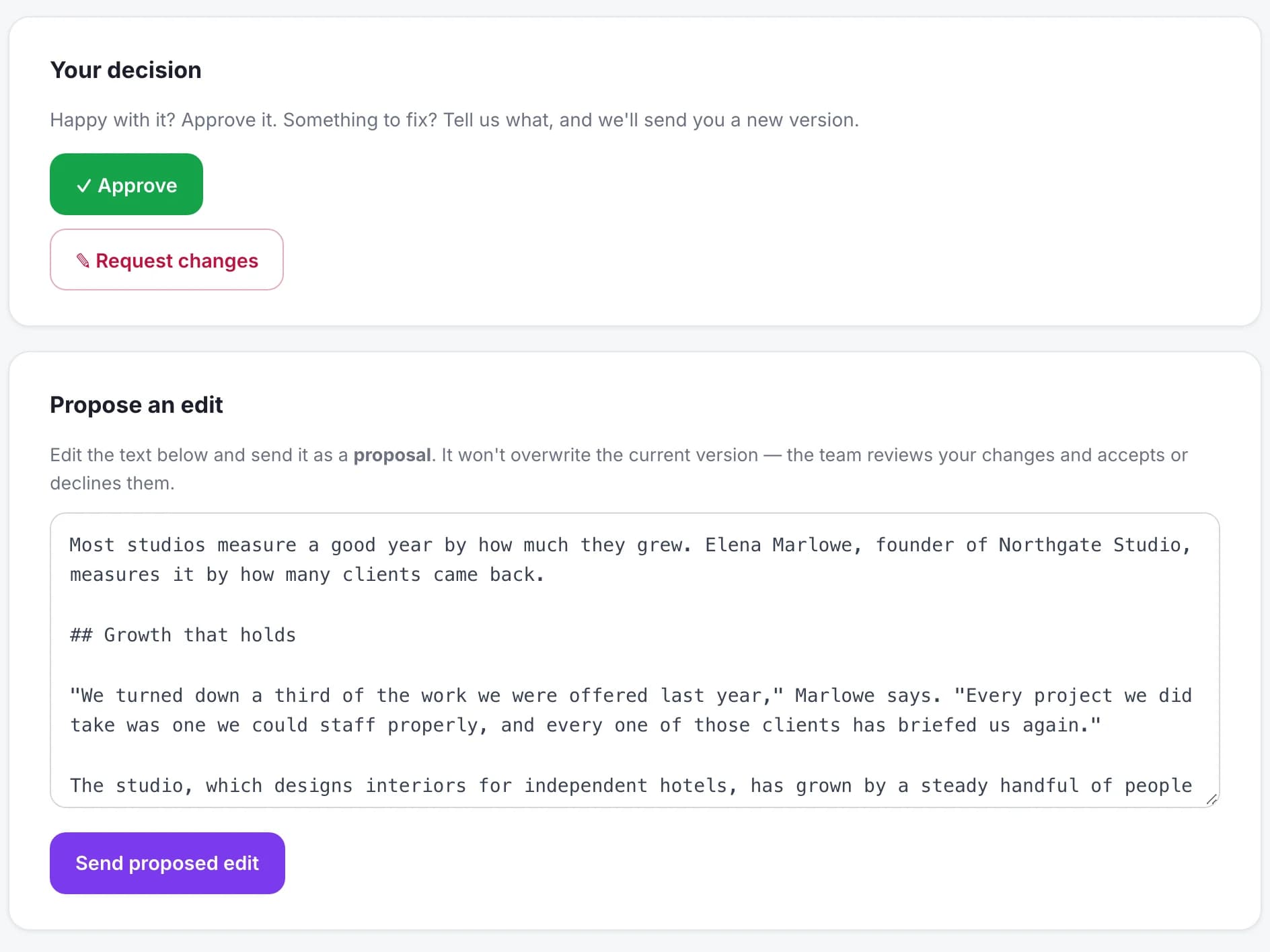
02
Drafts are reviewed inside the portal, with comments and proposed edits kept next to the work they refer to.
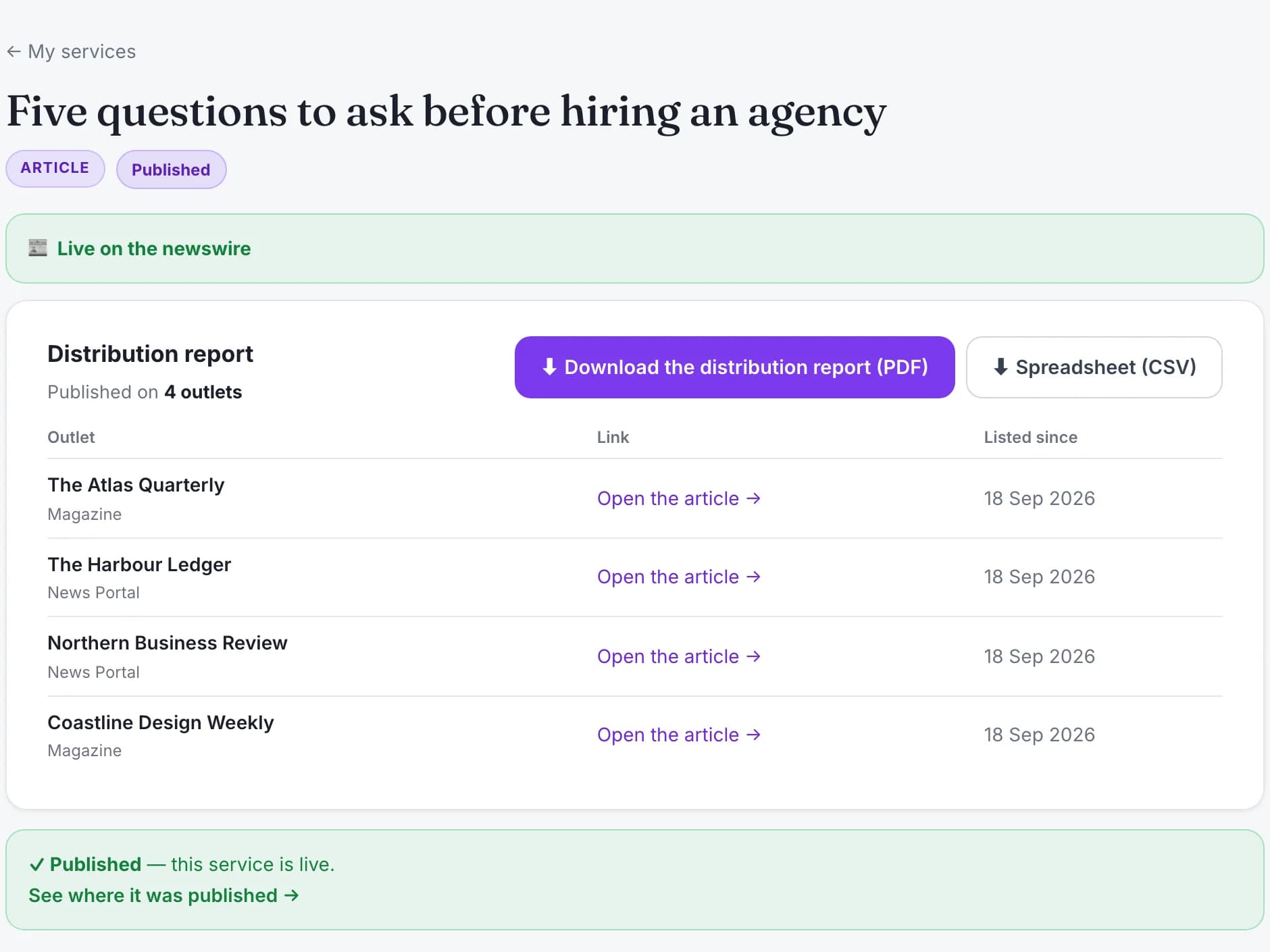
03
Deliverables, reports and invoices are downloaded from the portal instead of being hunted down in old emails.
04
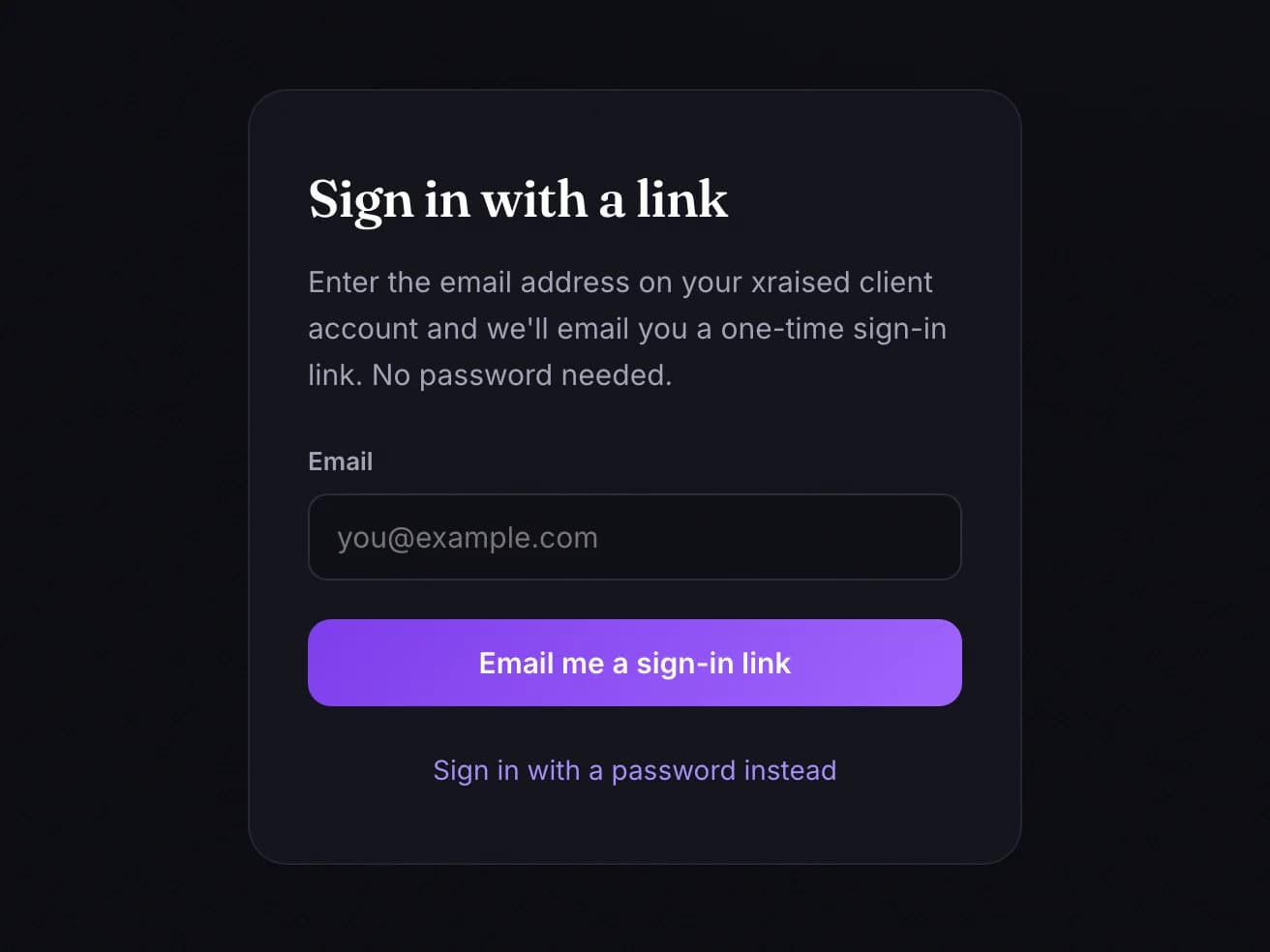
Clients enter with a link sent to their email and can buy, subscribe and manage their billing on their own.
Built with
Python · FastAPI · PostgreSQL · Next.js · TypeScript · Railway
Integrations: Stripe, Resend.
Software built around how your business actually works — not the other way round.